

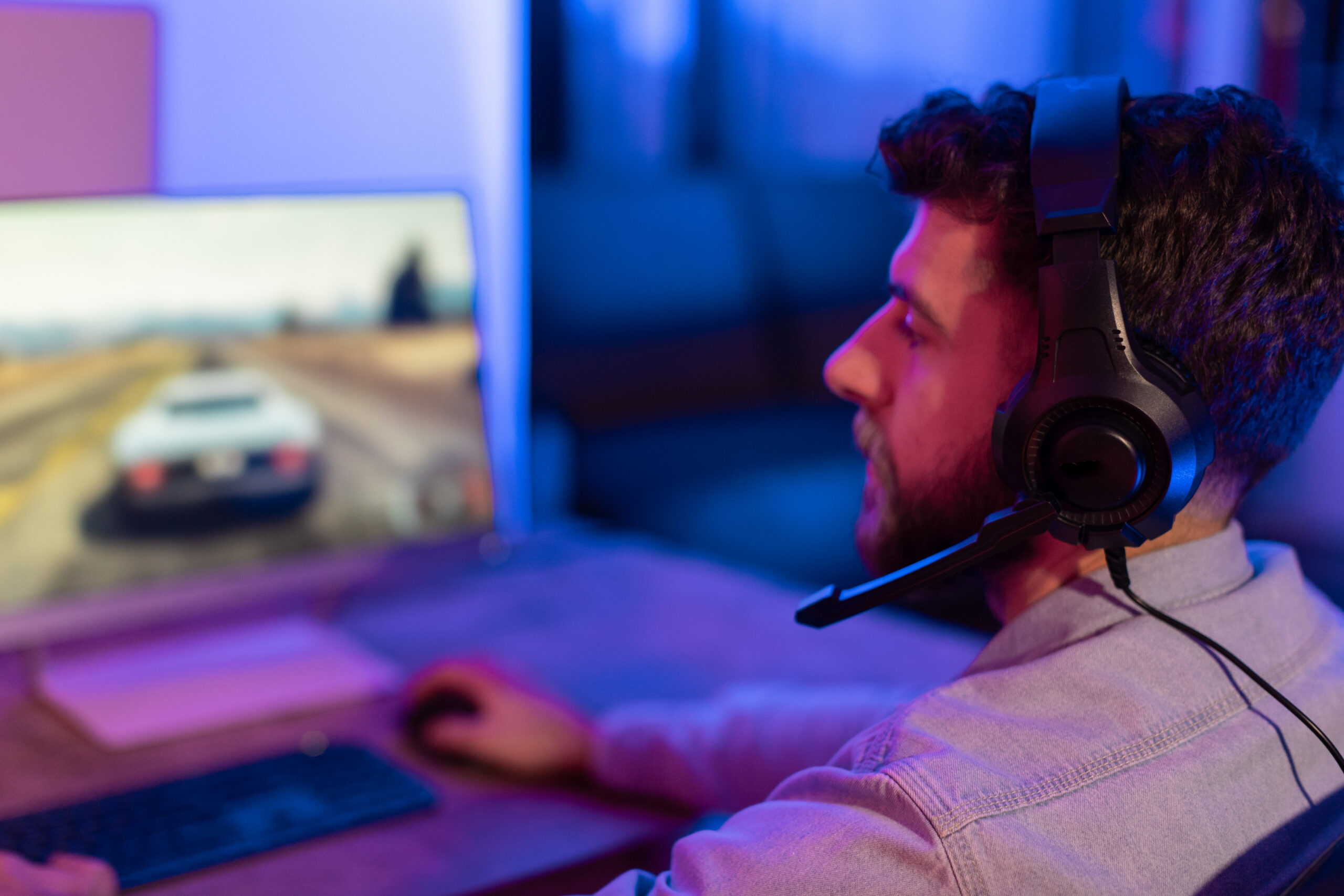
You know how it goes. You sit down after dinner for “one more match,” and the next time you look at the clock, it’s past midnight. The game was worth it. The stiff neck, sore thumbs, and lower back that cracks when you finally stand up are a different story, and most of that comes down to your gaming posture.
It’s easy to ignore how you’re sitting when all of your attention is on the screen. You lean in during a tense moment, your shoulders creep up toward your ears, and your head inches closer to the screen. None of it feels like a big deal in the moment. But hold that position for hours, night after night, and it starts to show up as headaches, tight shoulders, and aching wrists, even on days you don’t play.
You don’t have to give up the games you love to feel better, though. Airrosti Provider Dr. Anthony Pavlich recently broke this down for the New York Post. Here’s what’s happening to your body during a long session, when it becomes a real problem, and four stretches you can do on your breaks.
Key Takeaways
- Poor gaming posture, especially leaning your head toward the screen, strains the neck and upper back and can cause headaches and trigger points.
- Long controller sessions can irritate the wrist and thumb tendons, and sitting still for hours reduces blood flow in the legs.
- One gaming weekend is unlikely to cause lasting harm. Months of daily sitting can shorten the hip flexors and chest muscles.
- Stand up and move for 2 to 5 minutes every 30 to 60 minutes, or follow the “:50 rule” and move from :50 until the top of the hour.
- Four quick stretches help: the upper trap stretch, corner pec stretch, half-kneeling hip flexor stretch, and wrist flexor stretch.
Is Gaming Bad for Your Posture?
Gaming itself isn’t bad for your posture, but the way most people game is. Very few casual gamers have a true ergonomic setup. Most of us are on the couch or in a desk chair with our shoulders rolled forward and our chin drifting toward the screen, and when the game gets intense, we lean in even further.
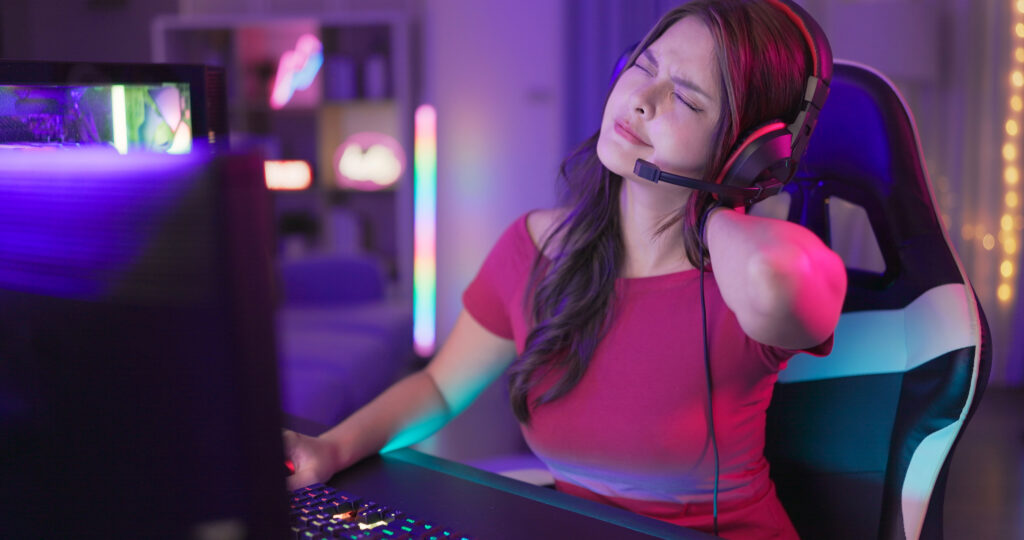
Your head weighs about 11 pounds. Balanced over your shoulders, that’s no big deal. Pushed out in front of you for hours, it leaves the small muscles at the back of your neck and the base of your skull holding it up the entire time. That’s where the headaches, neck pain, and tight knots in the upper traps come from. It’s the same forward head position behind text neck, and it can even contribute to jaw and TMJ pain.
What Health Problems Can Long Gaming Sessions Cause?
Beyond neck strain, long gaming sessions mainly affect your hands, wrists, and circulation.
Wrist and Thumb Pain
Hours of gripping a controller and mashing buttons can inflame the tendons in your thumb and wrist, a condition called tenosynovitis. It’s a common source of wrist pain in gamers, and it can even contribute to carpal tunnel syndrome.
Reduced Blood Flow in Your Legs
When you sit still, your leg muscles barely work, and your calves do a lot of the job of pushing blood back up to your heart. In a 2015 study published in Experimental Physiology, six hours of uninterrupted sitting reduced blood flow and blood vessel function in the lower legs. The encouraging part is that a 10-minute walk afterward brought those measurements back. One long session won’t do permanent damage, but it’s a good example of how sitting for hours affects your body in ways that go beyond stiff muscles.
Can Bad Gaming Posture Cause Long-Term Damage?
Usually not from a single weekend. A one-off session, or even a couple of weeks of daily play, likely won’t have long-term consequences. Problems start when this becomes your default position for months.
Muscles that spend most of their time shortened eventually adapt to it. Physical therapists call this adaptive shortening. The muscle and connective tissue lose elasticity and physically get shorter to fit the position you keep them in. It shows up most in the hip flexors and chest, which slowly pulls the upper back into a rounded shape and the head forward. There’s no research showing that this directly leads to joint degeneration or disc problems, but it does change how you carry yourself over time.
Dr. Pavlich makes a fair point here. Most people already sit for the majority of their workday, so a day off spent gaming isn’t all that different. The trouble starts when the game replaces the evening walk or workout. That daily movement is what sedentary workers need most, and without it, sitting time climbs from six to eight hours a day to ten or twelve. Now you’re tightening up faster while also losing strength from muscles that aren’t getting used. As he puts it, “Our bodies are ‘use it or lose it.’”
Age and fitness play a role too. Connective tissue naturally loses some of its elasticity as we get older, so adaptive shortening hits harder. Being young and in shape isn’t a free pass, though. Research published in the Journal of Applied Physiology found that cutting back daily activity for just two weeks produced measurable changes in healthy young adults.
How Long Can You Game Before Taking a Break?
Stand up and move for 2 to 5 minutes every 30 to 60 minutes. There’s no scientifically established number of gaming hours that separates “safe” from “harmful” for adults, but total sitting time and how often you move both matter.
Dr. Pavlich’s own rule is easy to remember: every time the clock hits :50, get up and move until the top of the hour. He also leans on a saying physical therapists use a lot: “The best posture is the next posture.” Even a comfortable position isn’t one you should hold for hours, so shift around, try a few active sitting moves, and stand up often.
Signs You Need a Break From Gaming
Your body usually tells you when it’s had enough. Take a break if you notice:
- Stiffness or pain in your neck, shoulders, or back
- Wrist or hand pain
- Numbness or tingling in your hands or fingers
- Fatigue or heaviness in your neck and shoulder muscles
4 Best Stretches for Gamers, Recommended by a Physical Therapist
These are the four moves Dr. Pavlich recommends to help you “use it” during a marathon session. Each one takes a minute or two, so they fit right into your :50 break.
1. Upper Trap Stretch (for Neck Tension)
Loosens up the neck muscles that work overtime when your head drifts toward the screen.
- Sit up tall with your shoulder blades pulled back and down.
- Grab the base of your chair with one hand to help anchor that shoulder down.
- Keep your head in a neutral position, then bring your ear toward the opposite shoulder.
- Stop where you feel a good stretch, not discomfort.
- Hold for 30 seconds on each side.
2. Corner Pec Stretch (for Rounded Shoulders)
Reverses forward shoulder posture and opens up a tight chest.
- Find the corner of a wall or a doorway and stand facing it.
- Raise your arms out to the sides so your upper arms are parallel to the ground, with your elbows bent.
- Rest your forearms, elbows, and wrists against the wall.
- Step into the corner until you feel a stretch through your chest.
- Hold for 30 to 60 seconds.
3. Half-Kneeling Hip Flexor Stretch (for Tight Hips)
Helps undo the adaptive shortening that builds up in your hips from sitting.
- Get into a half-kneeling position, with one knee down and the other foot planted in front of you.
- Shift your front foot slightly out to the side for a wider, more stable base.
- Squeeze the glute on the side of the knee that’s down. This deepens the stretch in the front of that hip.
- Hold for 60 seconds on each side.
Want more hip relief? Try these hip flexor stretches too.
4. Wrist Flexor Stretch (for Wrist and Thumb Strain)
Keeps your wrists and fingers loose after hours on the controller.
- Straighten one arm out in front of you with your palm facing up.
- Use your other hand to gently pull your fingertips back toward you.
- You’ll feel the stretch through your forearm.
- Hold for 30 seconds on each side.
Gaming Posture FAQs
What is the best posture for gaming?
The best gaming posture keeps your head stacked over your shoulders instead of jutting toward the screen, with your back supported and your feet flat on the floor. But no single position is perfect for hours. Physical therapists say the best posture is the next posture, so change positions often and stand up regularly.
Can gaming cause neck pain?
Yes. Leaning toward the screen pushes your head, which weighs about 11 pounds, out in front of your body. That forces the muscles at the back of your neck and the base of your skull to work constantly, which can cause neck pain, tension headaches, and trigger points in the upper trapezius.
Can gaming cause carpal tunnel syndrome?
Heavy controller use and awkward hand positions can irritate the tendons in the wrist and thumb, causing tenosynovitis, and may contribute to carpal tunnel syndrome. Taking regular breaks and doing a wrist flexor stretch can help keep the forearm, wrists, and fingers loose.
How often should gamers take breaks?
A good general guideline is to stand up and move for 2 to 5 minutes every 30 to 60 minutes. Dr. Anthony Pavlich, a physical therapist at Airrosti, recommends getting up every time the clock hits :50 and moving until the top of the hour.
Is bad gaming posture worse as you get older?
It can be. Connective tissue loses elasticity with age, so muscles shorten more easily from sitting in one position. Younger, active people aren’t immune, though. Research shows a large drop in daily activity can cause measurable changes in as little as two weeks.
This information is for general educational purposes only. Please speak with your healthcare provider before making any changes to your activity or care plan.
Get Help for Gaming-Related Neck, Back, or Wrist Pain
If the aches outlast your gaming session, or neck, back, or wrist pain has become part of your routine, consider speaking with an Airrosti Provider for a comprehensive evaluation and a treatment plan to help you start feeling better. We offer in-clinic and telehealth appointments. Schedule below, or call us at (800) 404-6050 for more information.